
In November 2022, LinkedIn introduced a user-friendly native scheduling tool, empowering users to establish a consistent news posting schedule. Here are some simple and practical tips on how users can make the most of this feature.
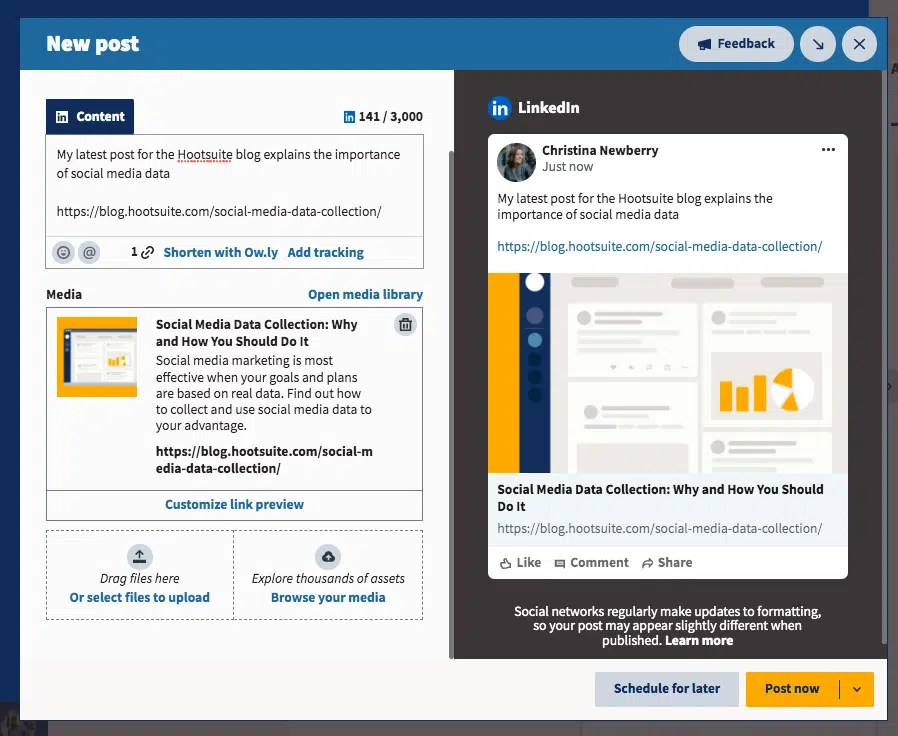
How to Schedule LinkedIn Posts Natively on LinkedIn
LinkedIn’s native scheduler allows you to automate posts on both desktop and mobile platforms, enabling content planning up to three months in advance. However, please note that this feature currently supports scheduling for standard image, text, and video posts. Event, job, poll, and carousel posts cannot be scheduled, and scheduling posts to LinkedIn groups is not yet supported.
How to Edit Scheduled LinkedIn Posts on LinkedIn
Once you’ve natively scheduled a LinkedIn post, you have the flexibility to change the date or delete the scheduled post. However, you cannot make changes or edits to the image, video, or text.
To find your scheduled posts on LinkedIn:
- Click “Start a Post.”
- Click the “Schedule for Later” clock icon.
- Click “View All Scheduled Posts.”
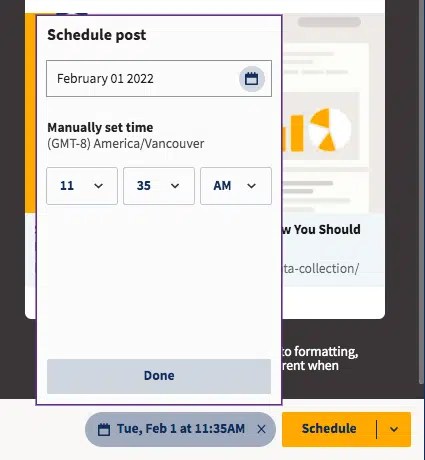
Limitations of LinkedIn’s Native Post Scheduling
LinkedIn has a few limitations associated with its scheduling feature. You can schedule posts only up to three months in advance. Additionally, once you’ve scheduled a post, you cannot make any edits, including changes to the scheduled date. Furthermore, LinkedIn restricts users to posting exclusively on its platform. If you need more flexibility or manage multiple accounts, you can use third-party tools like Planable to schedule LinkedIn posts ahead of time.
